
OnHypp Blog Post

The Benefits of Using Forms in WordPress for Your Website
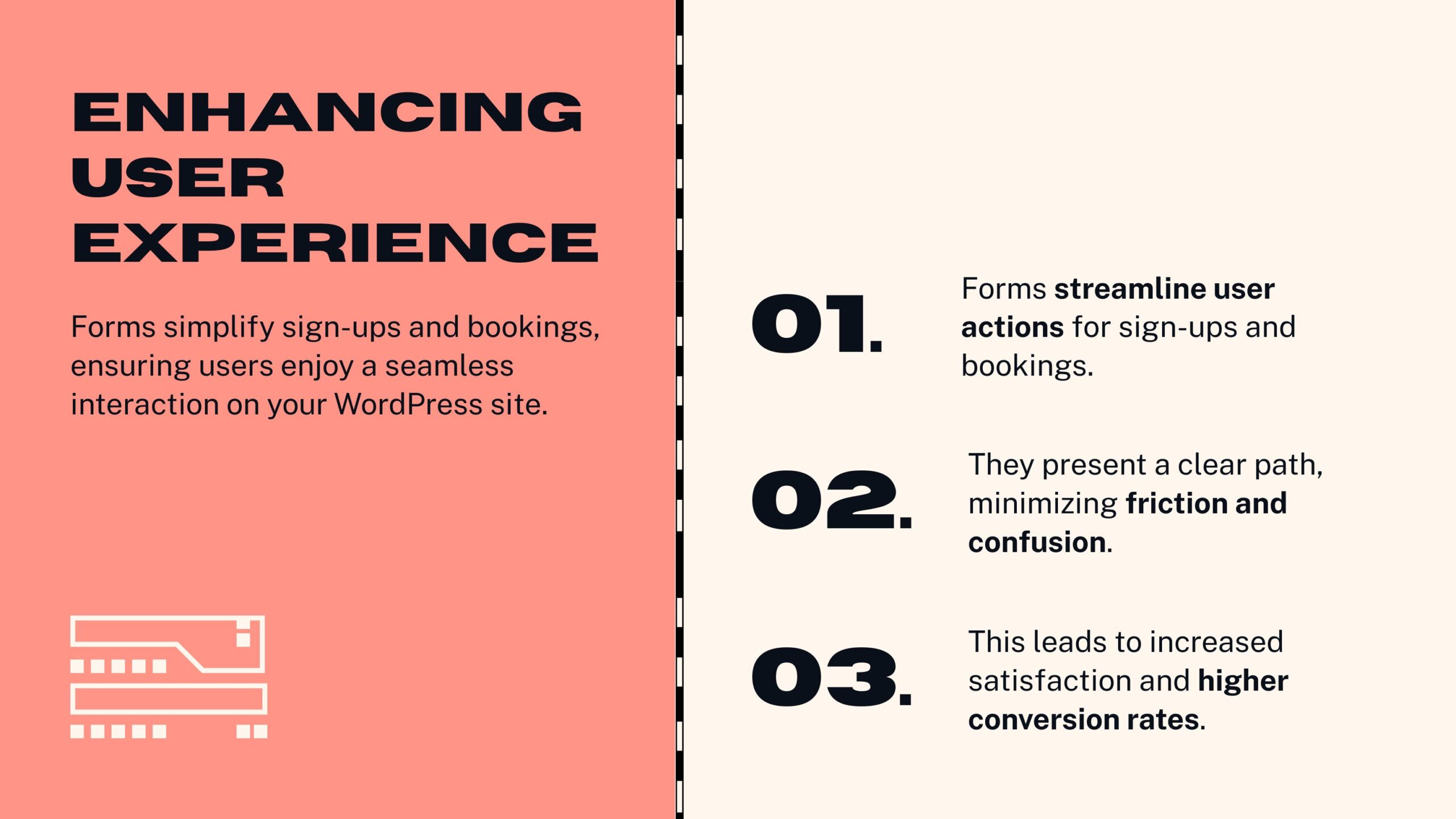
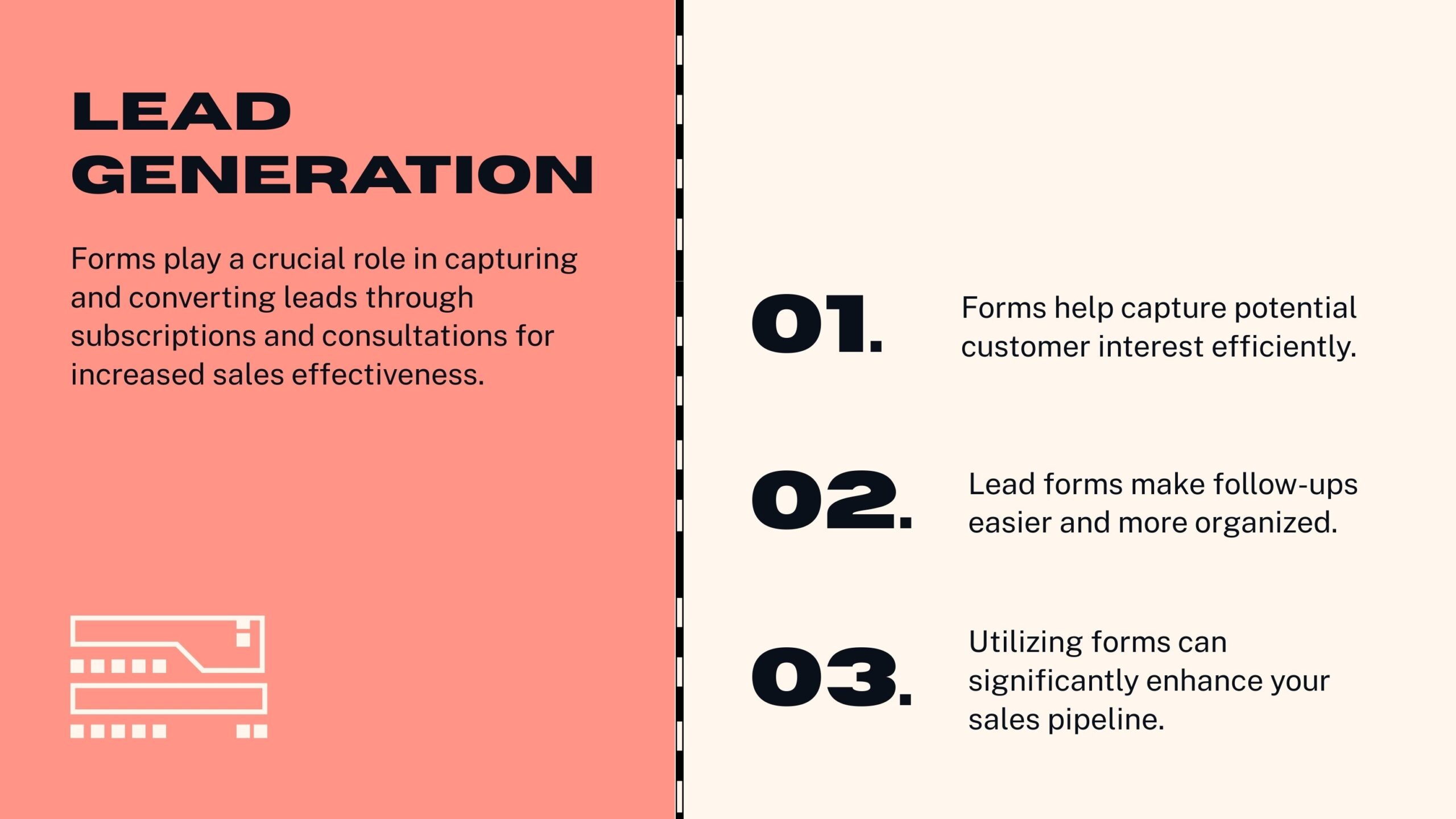
In today’s highly competitive digital landscape, having a website that looks good is just the starting point. Your site must actively engage visitors, facilitate smooth communication, and capture valuable information that drives business growth. One of the most powerful and versatile tools to achieve these goals is the use of forms. WordPress, one of the world’s most popular content management systems, makes it incredibly easy to add, customize, and manage forms on your website.
If you’re wondering why you should integrate forms into your WordPress site and how to create forms that work well, this article will guide you through the key benefits, practical design tips, and the best plugins available.

- Keep It Simple and Focused
Ask only for essential information to avoid overwhelming users and increase completion rates. - Use Clear Labels and Instructions
Make every form field easy to understand with concise labels and helpful instructions where needed. - Implement Conditional Logic
Use conditional fields to show or hide questions based on previous answers, making forms relevant and shorter for each user. - Provide Instant Feedback
Use real-time validation to alert users of errors immediately, improving accuracy and reducing frustration. - Make Forms Mobile-Friendly
Ensure your forms are responsive and easy to complete on any device, especially smartphones and tablets. - Add a Strong Call-to-Action (CTA)
Use action-oriented buttons like “Subscribe Now” or “Get a Quote” to motivate users to submit the form. - Include Privacy and Security Notices
Inform users how their data will be used and protected to build trust and encourage form completion.
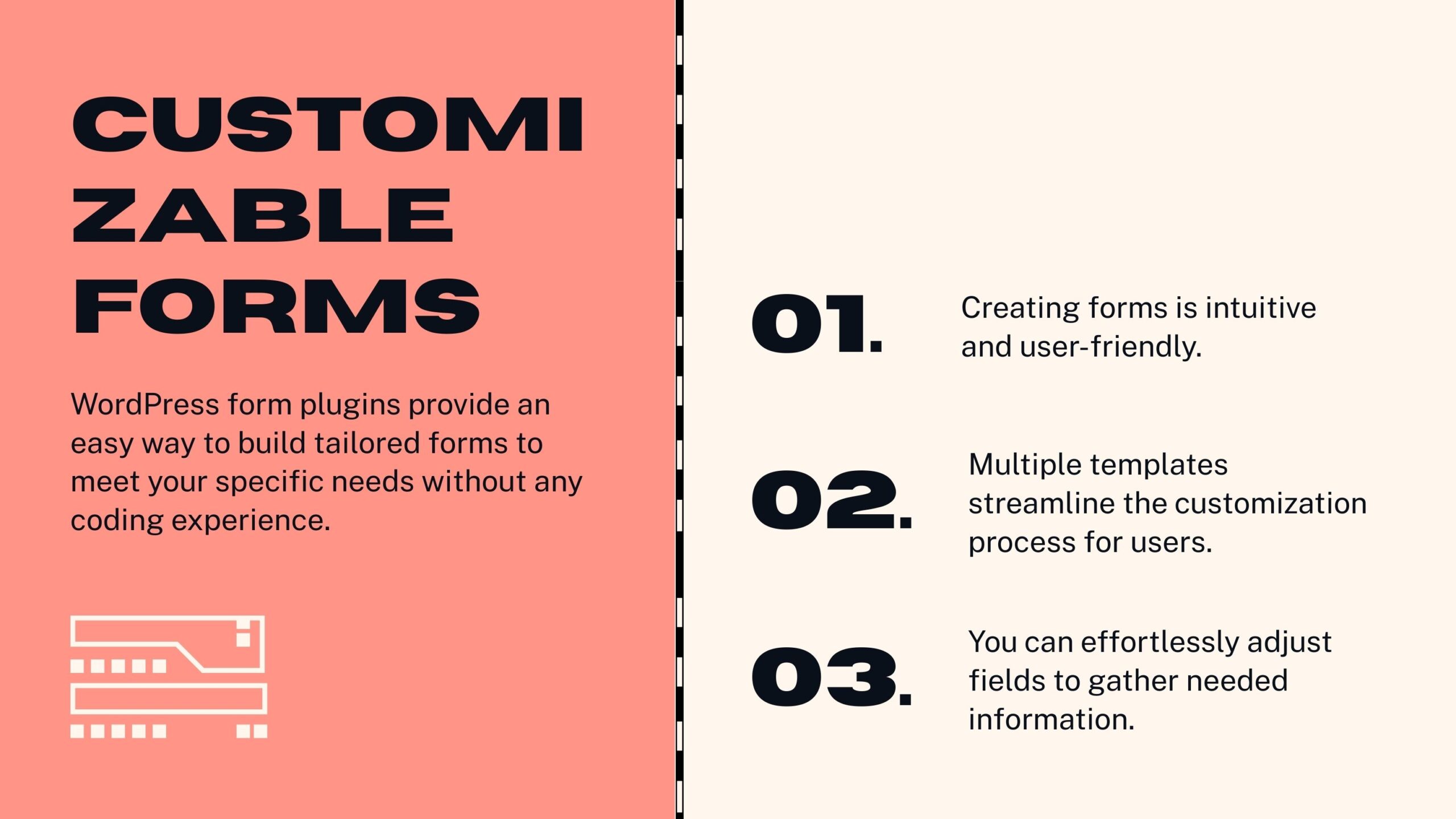
Top WordPress Form Plugins to Use
- WPForms
A beginner-friendly drag-and-drop form builder with pre-made templates, conditional logic, and marketing integrations. - Gravity Forms
Advanced and highly customizable, perfect for complex forms with multi-page layouts and many add-ons. - Contact Form 7
A free, popular plugin for simple contact forms with spam protection features. - Ninja Forms
A flexible form builder offering many add-ons for extended functionality. - Formidable Forms
A developer-focused plugin with features for data visualization and calculations.
Conclusion
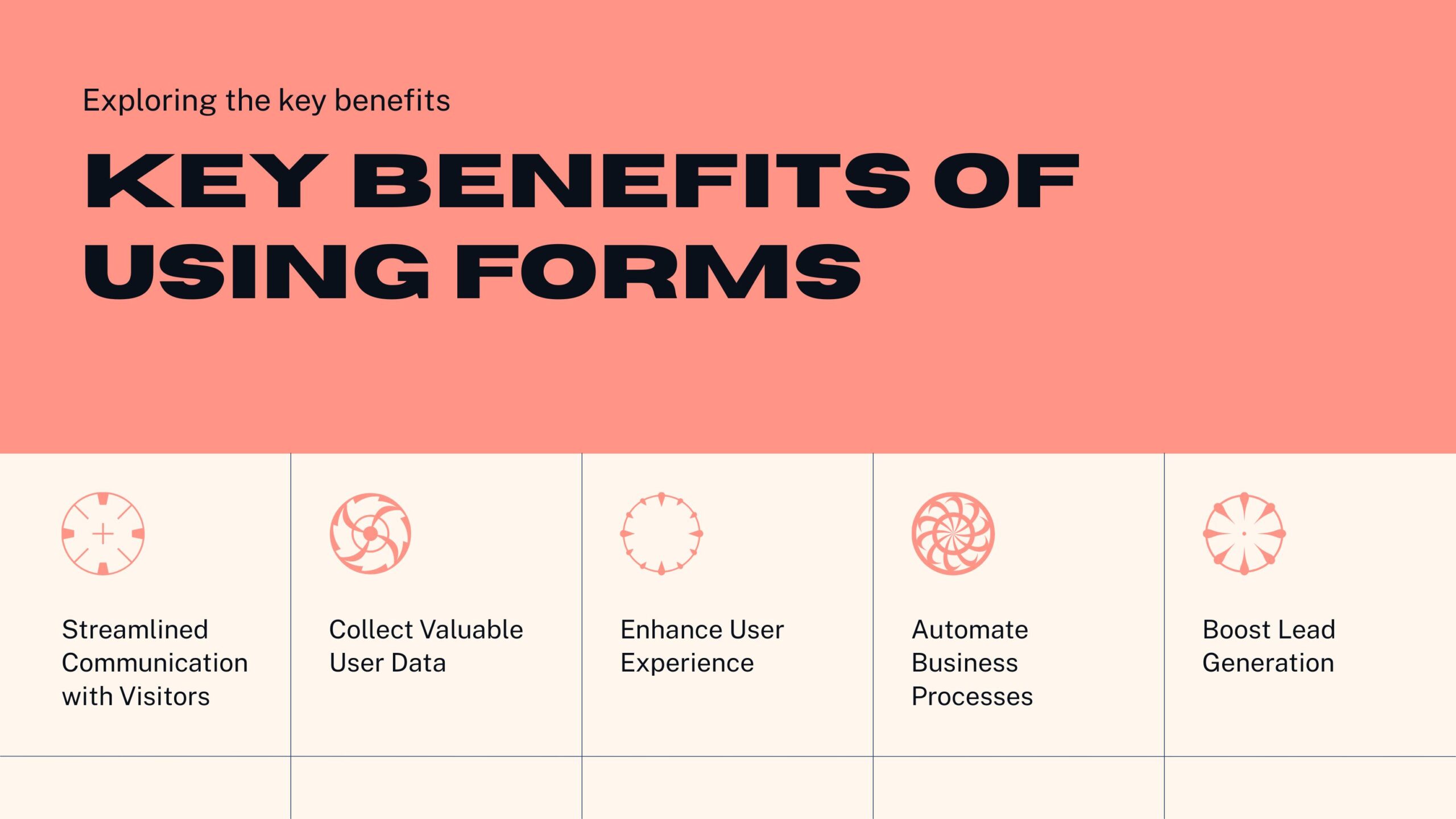
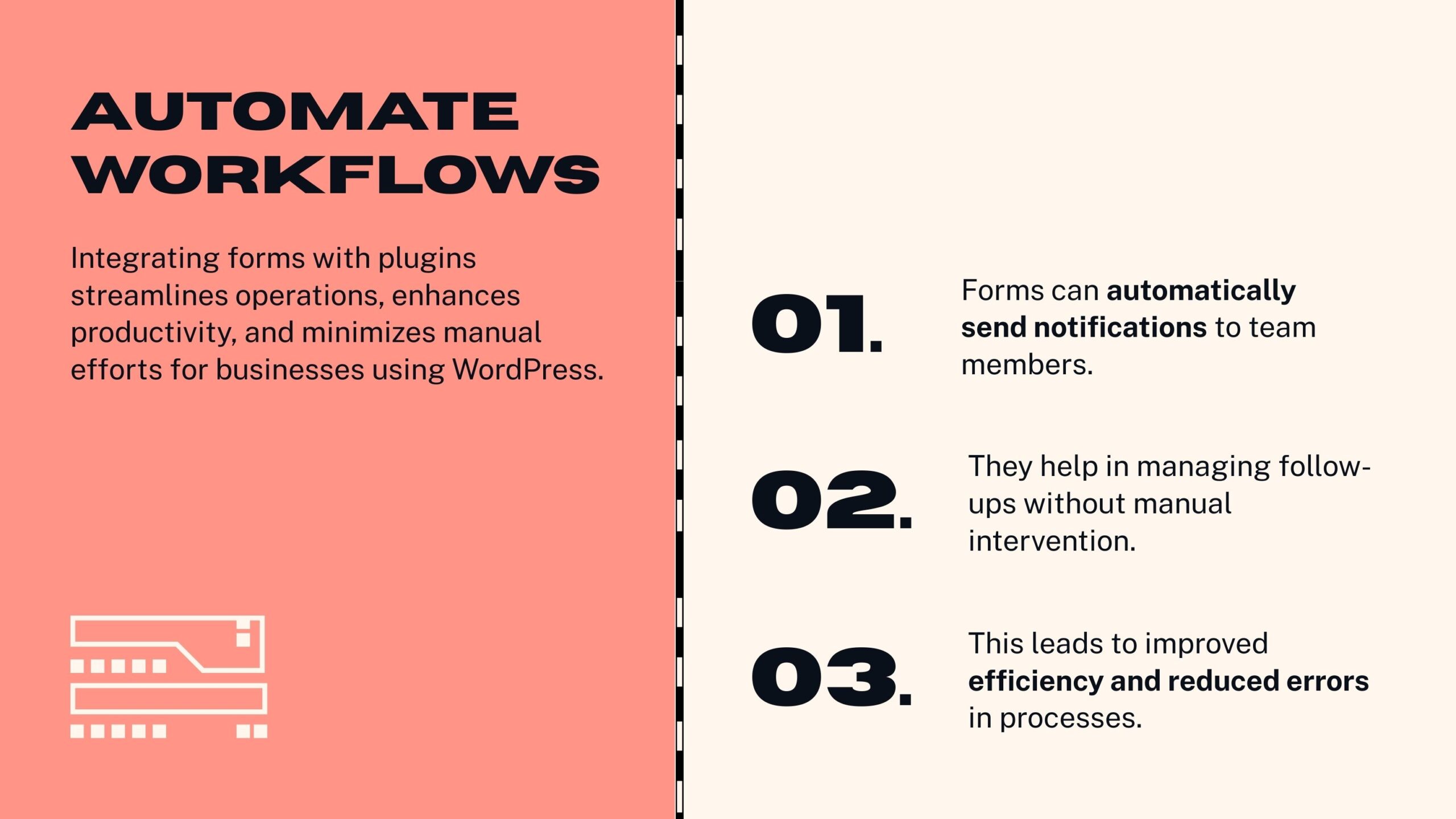
Incorporating forms into your WordPress website is essential for building meaningful visitor interactions, streamlining operations, and growing your business. By following best design practices and choosing the right tools, you can create powerful forms that collect valuable data, automate workflows, and enhance user experience — all while keeping data secure.
If you’re ready to leverage the power of WordPress forms but need help with setup or design, feel free to reach out for expert guidance and support.